

strlcpy(3) death of fish Bots: "Keep moving, the fish is here." Fish: "I'll buy you time, use the ventilation system. Go wake her up. Get her out." Bots: "Got a sealed door. Breach it!" Fish: "And Purple? Thank you." Bots: &#…
via analognowhere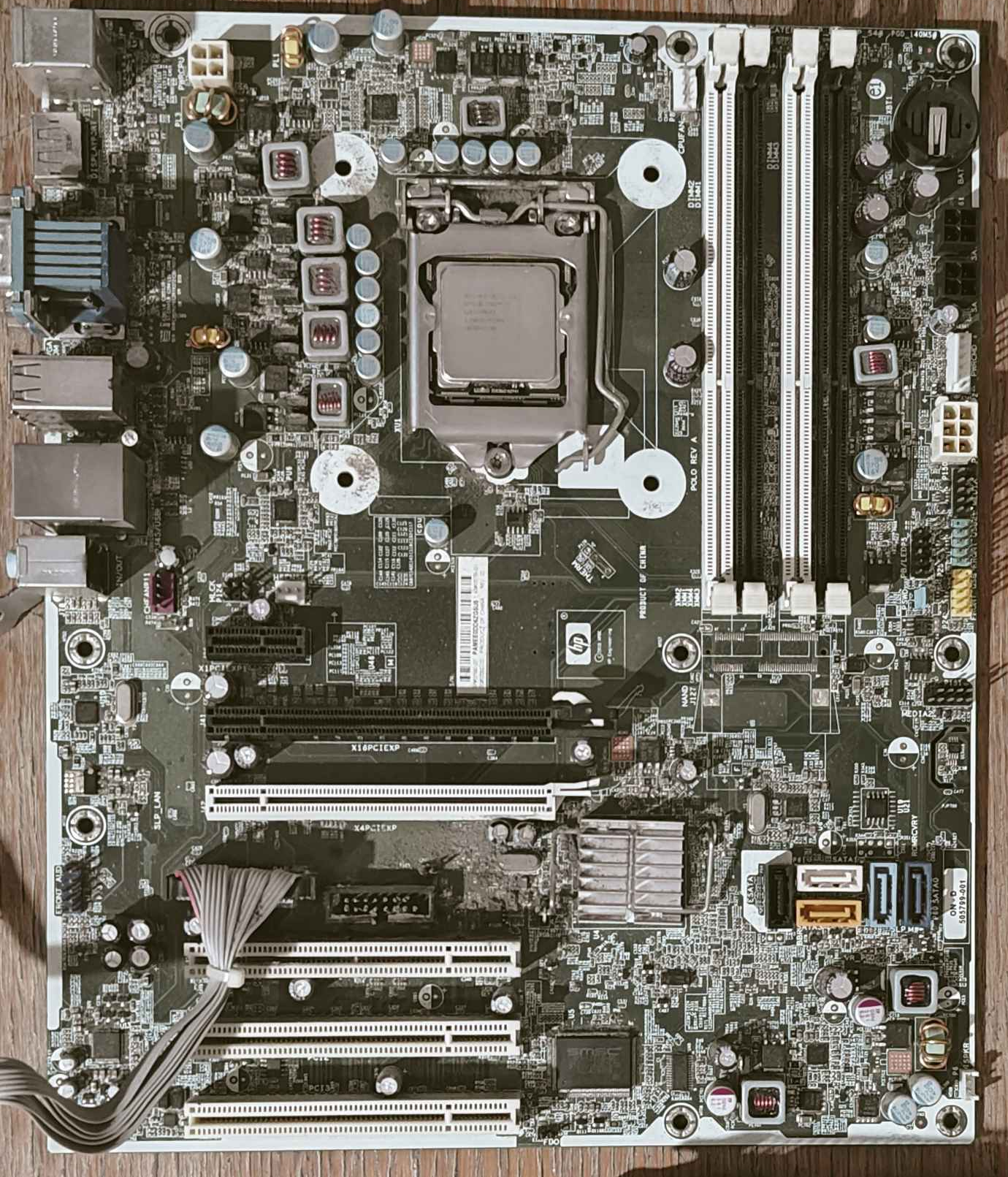
A friend was very generous to give away an OEM motherboard of an HP Compaq 8100 Elite CMT with an i5-650, among other things, most notably an ATI Radeon HD 48901. According to him, the PSU had degraded, he also couldn’t get a video output from the on-board graphics when he tested the motherboard before handing it over. I had my expectations low in getting that computer back to life, but was rather curious to see if I could fix it. This project took over 15 months, mainly because I was slacking off and had to wait for parts.
First and foremost, I had to know what I was about to deal with. This is an ATX-sized motherboard with an LGA1156 socket, four slots of dual channel DDR3 RAM, PCIe x16, PCIe x42, PCIe x1, three PCI slots, four SATA ports and one ESATA port. Pretty substantial for an OEM pre-built from 2010 in my opinion, nevertheless the keyword here is “OEM”, and HP likes to strive away from standards. I haven’t realized this in my first inspection, but an ATX 24-pin power connector was missing and replaced instead by a proprietary 6-pin power & 6-pin command connectors, a common inconvenient act done by most OEMs. Salvaging the original PSU wasn’t feasible as it was already in a bad shape, and it is a horrible idea to look for one for sale as they were ridiculously expensive for the poor reliability and power delivery they had. Luckily, adapters exists, I ordered one from Aliexpress and paired it with a 650W PSU (yes I know, a bit overkill) and was done with the first hurdle.
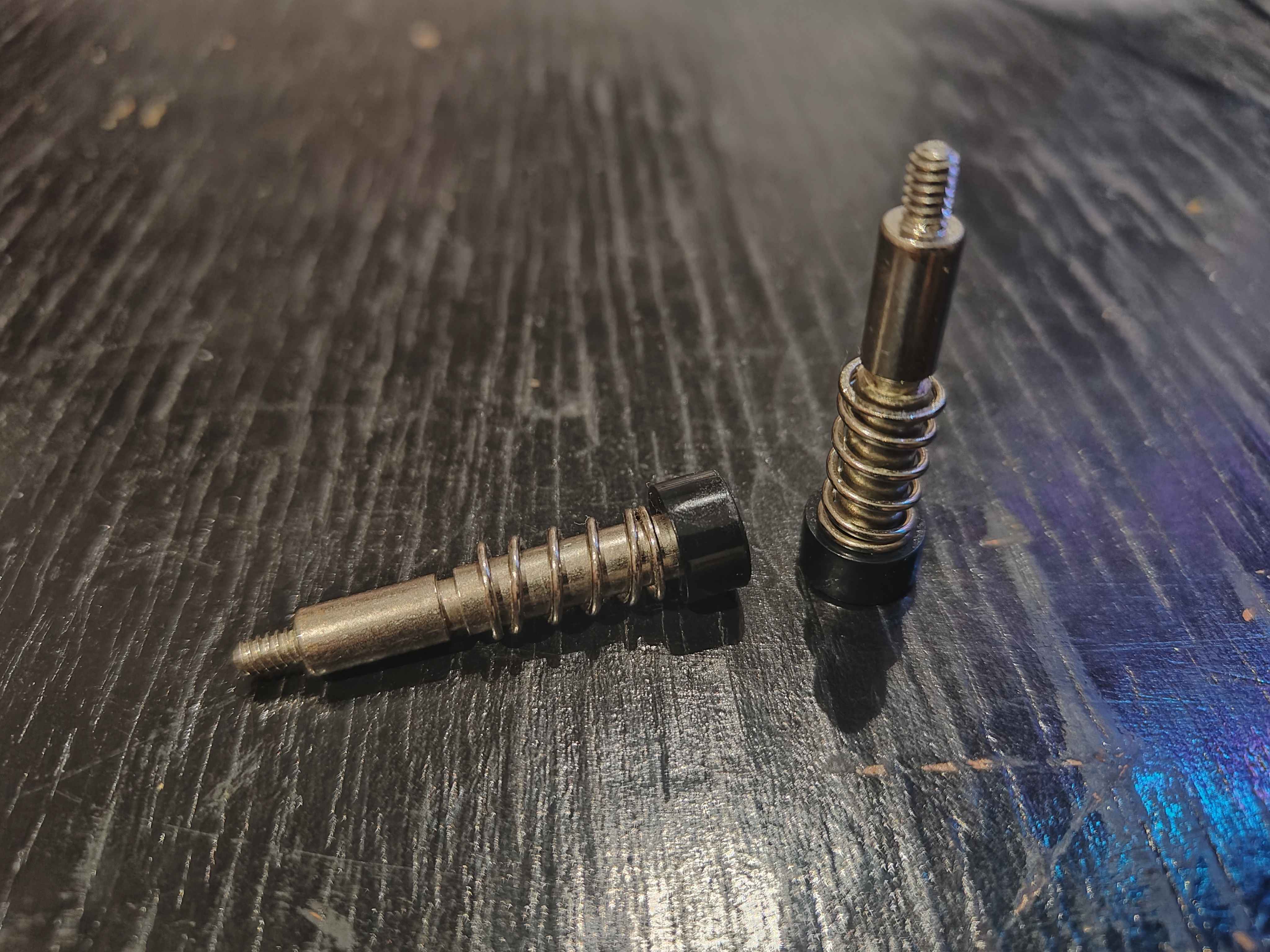
I felt confident to boot up the PC so I had decided to grab a stock LGA115x cooler and install it. Except, I met my second obstacle. In place of a standard LGA1156 cooler mount (75mm × 75mm), HP went with an LGA1366 compatible mount (80mm × 80mm) for whatever reason. Never seen similar incongruity elsewhere before. LGA1366 compatible coolers are increasingly scarce, on top of that, many contemporary coolers do not mention if they support this dated platform even when they actually provide the suitable mounting brackets. The most budget friendly solution was to recover the previous cooler which my friend was fortunate to find it back, though two legs were missing.
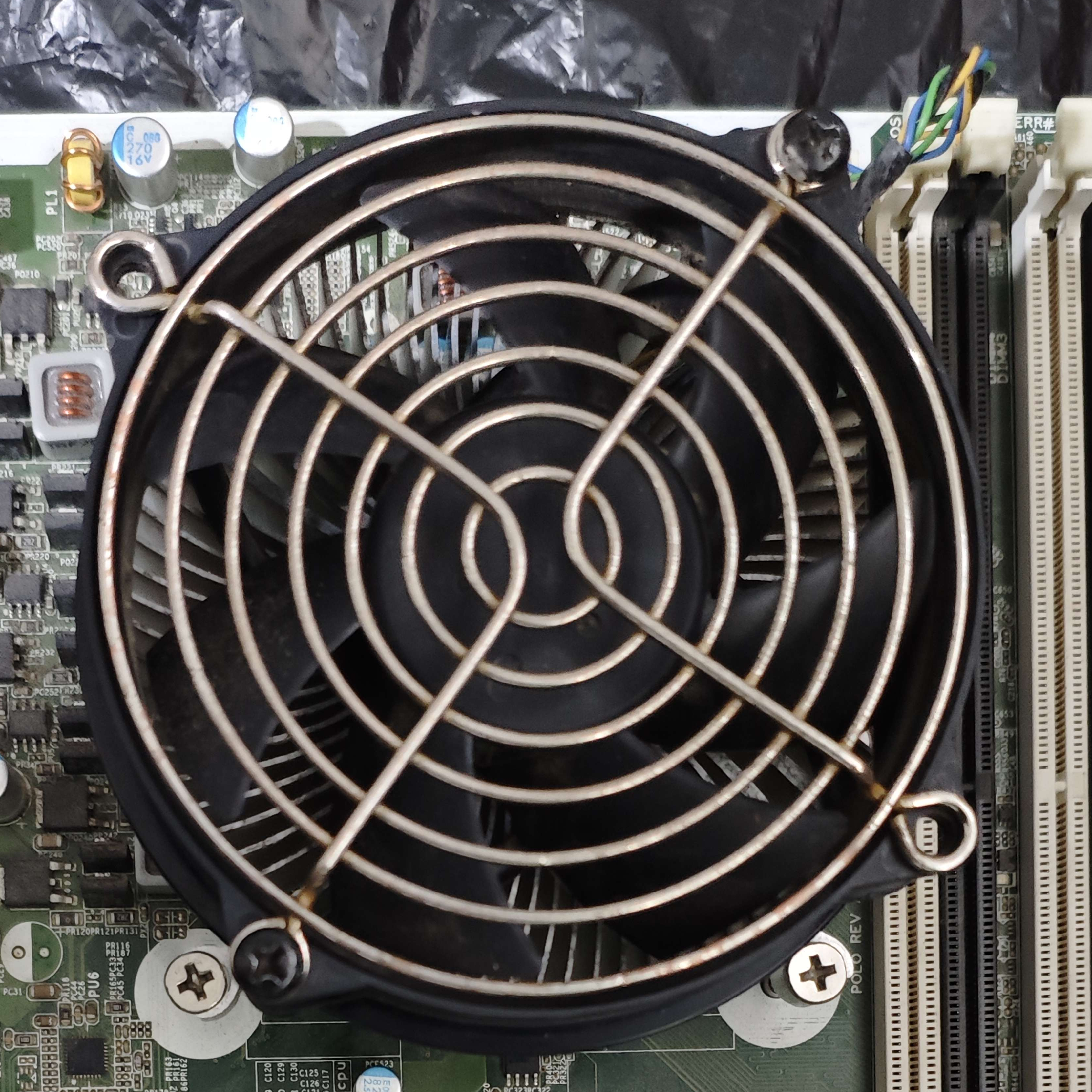
Not a problem as I was gonna modify it anyway because the screws were made specifically to be mounted on the chassis and cannot fit in a conventional backplate screw holes. So I bought a generic backplate and repurposed unused M3 screws from a water cooling kit to hold the heatsink in place. A bit awkward to work with since the new screws are thinner so they can’t prevent the heatsink from wiggling around while fixing the screws. Besides, the cooler is secured really well.
Next was RAM. I sought for 4GB DDR3 sticks and filled all of the four slots.
Then finally came the moment to turn on the machine. CPU fan was spinning,
however I got no video signal, shortly after, the fan ran at full speed. I
rearranged the RAMs and made sure they were seated properly this time, and got
an image! Until it glitched out then the PC went into a reboot loop. The BIOS
was executing a memory test at which point the screen shows a corrupted video
stream past ~1.4GB. I could cancel the test and the BIOS POSTs just fine. It was
a relief that the motherboard and CPU were okay, but definitely something was
wrong with memory. I tried Ventoy but it boots into a black screen. So I
attempted to update the BIOS from v1.05 to v1.13 through the builtin flash ROM
utility. No matter which flags I passed to mkfs.fat, the BIOS couldn’t read
the content of USB flash drive, therefore I had to rely on Windows to do a FAT32
format (please stop making bad FAT32 drivers). Ventoy worked after a successful
BIOS update, and managed to start Alpine Linux.
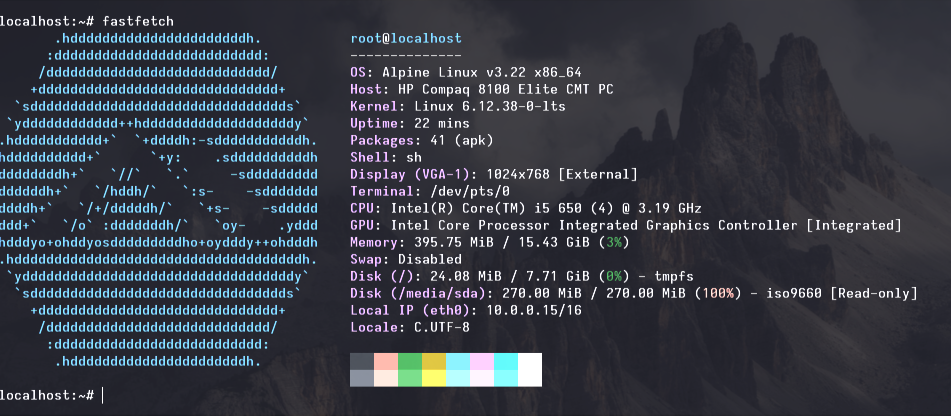
Thereafter, I ran a memory test in user space which was followed by a page fault and consequently a kernel panic. I initially suspected the RAMs data rates as I used a mix of 1333 MT/s and 1600 MT/s. Each individual DIMM was put to the test and the issue was replicated on all of them. All of the DIMMs being faulty would be have been strange and unlikely. I figured I should have tried a RAM stick from a system that already was proven to function, so I took out a 4GB stick from a G41 motherboard, which happens to pass the memory test. Before jumping to conclusions, I noticed that the latter was a double rank DDR3 DIMM, while the others were single rank memory. Upon some research, early DDR3 systems (i.e LGA775) only support low density memory, that is to say 2Gb (256MB) or lower per DRAM chip. The lower the density the more DRAM chips you have to have for higher capacities, hence why double rank DDR3 was common back then, today they are only seen for 8GB and 16GB DIMMs.
Luckily, on LGA1156 systems, the memory controller lives on the CPU, which means the maximum memory size and supported DRAM densities are not dictated by the motherboard’s specification but rather a CPU limitation. The LGA1156 was short lived with a few released CPUs, it featured Intel’s first generation Core series, and Xeon X3400 processors, their low-end sever CPUs despite them being equivalent their i7 counterparts without integrated graphics, their memory controller can read 4Gb (512MB) DRAM density, effectively single rank 4GB and dual rank 8GB DDR3 DIMMs are supported. In practice, the maximum memory size is 32GB (could be higher in theory maybe), contrary to the advertised maximum of the HP Compaq 8100 at 16GB. Normally I would have ordered the Xeon X3480, the fastest CPU of this socket but it costs over 60$, however I caught a Xeon X3470 at a discount for a fair 8$, ~3% performance difference for just 13% of the price.
With the new CPU now installed, most things went smooth sailing from there on. All of the 16GB were addressable, also left Memtest64+ running for 4 iterations without errors. Using 20GB of RAM (I only had one 8GB DIMM) was unstable, probably because of dual channel flex mode, sometimes the memory test passes 2 iterations, other times it fails early… But 32GB in interleaved mode should be steady and feasible I presume. In addition, the combination of low density and high density RAM causes the board to not POST, weird.
Anyways, this concludes my efforts to revamp what once was an office computer, to an operable desktop. Not fancy or modern, not too old by my standards, but something I enjoyed building.
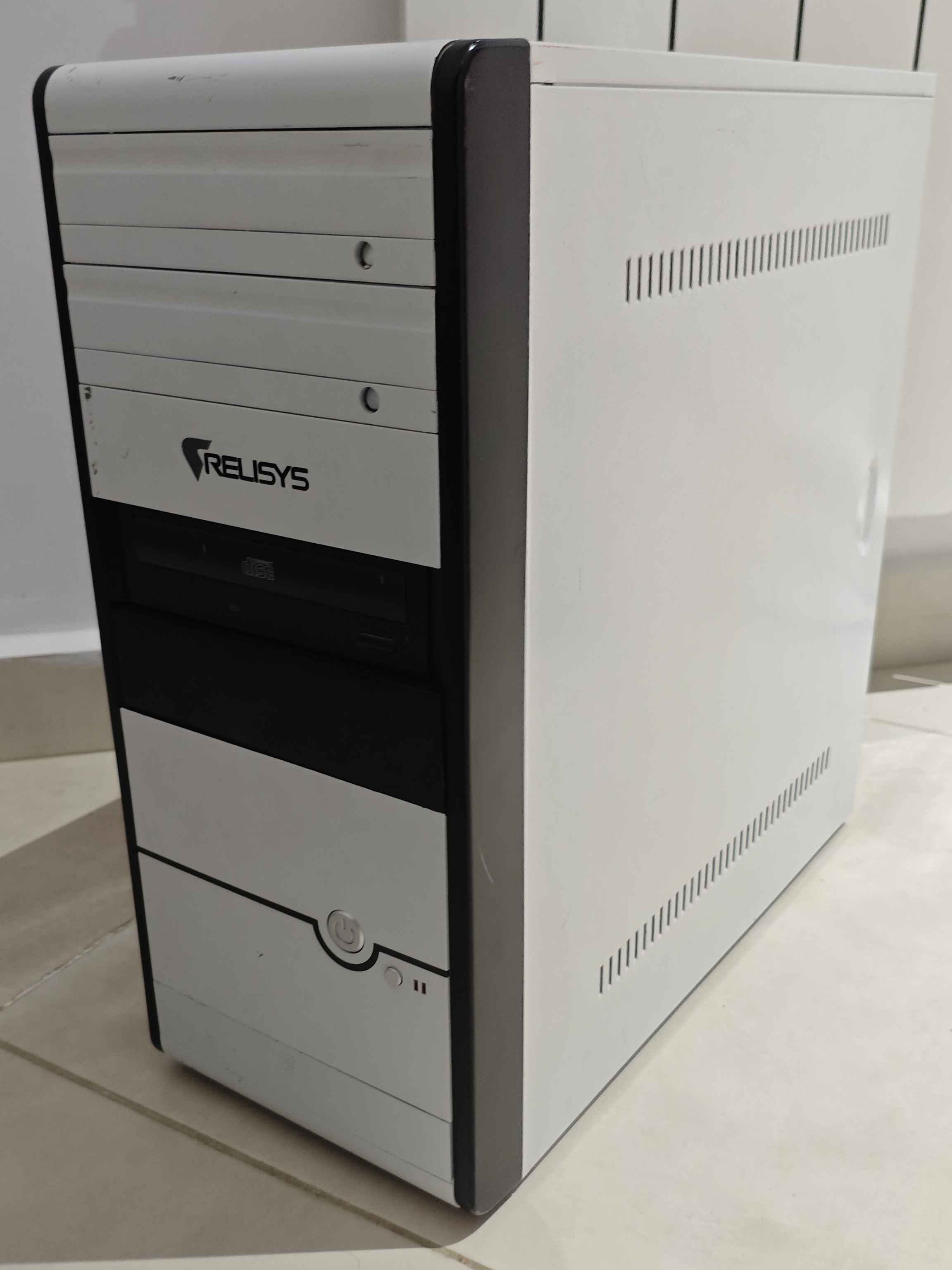
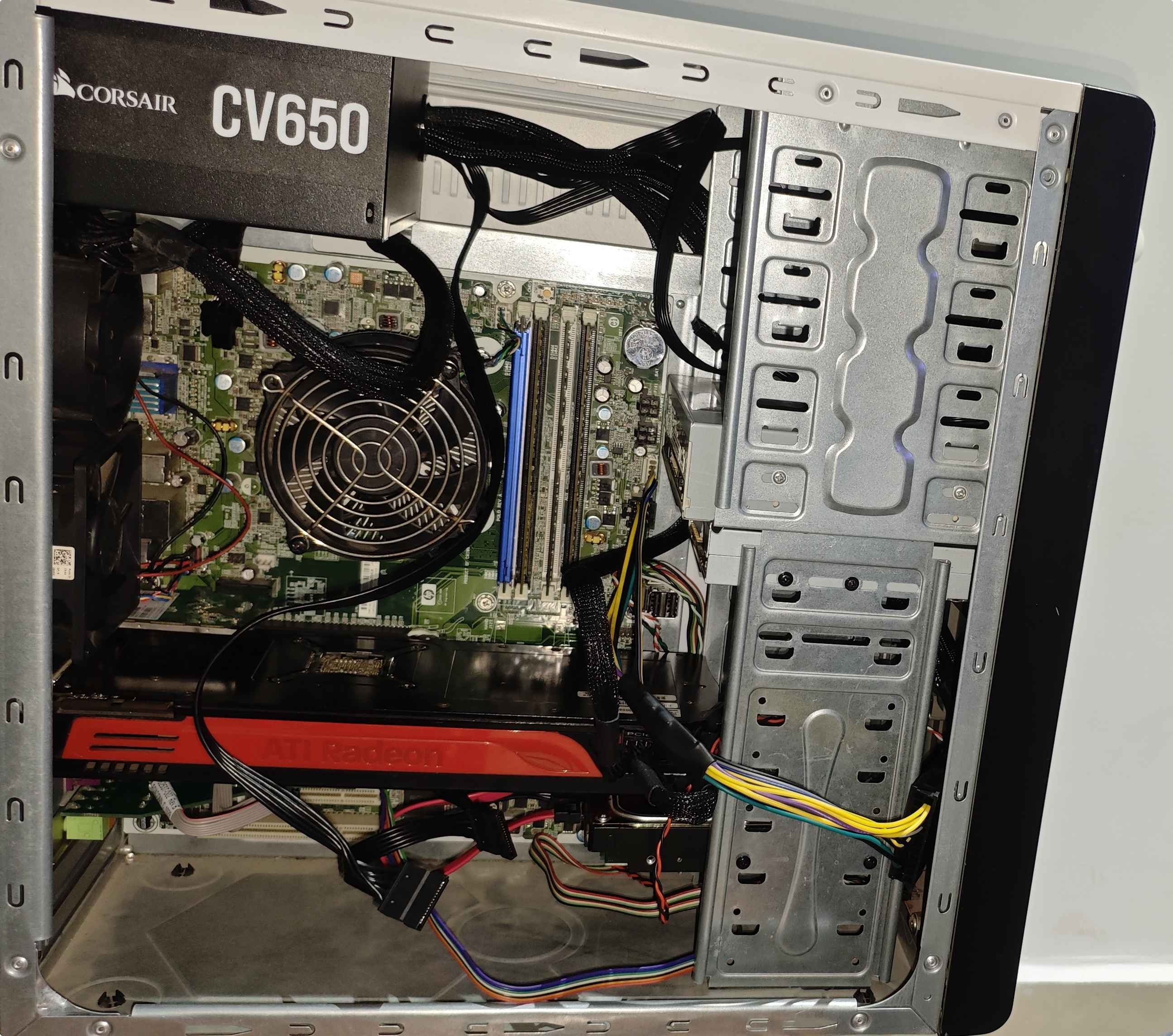
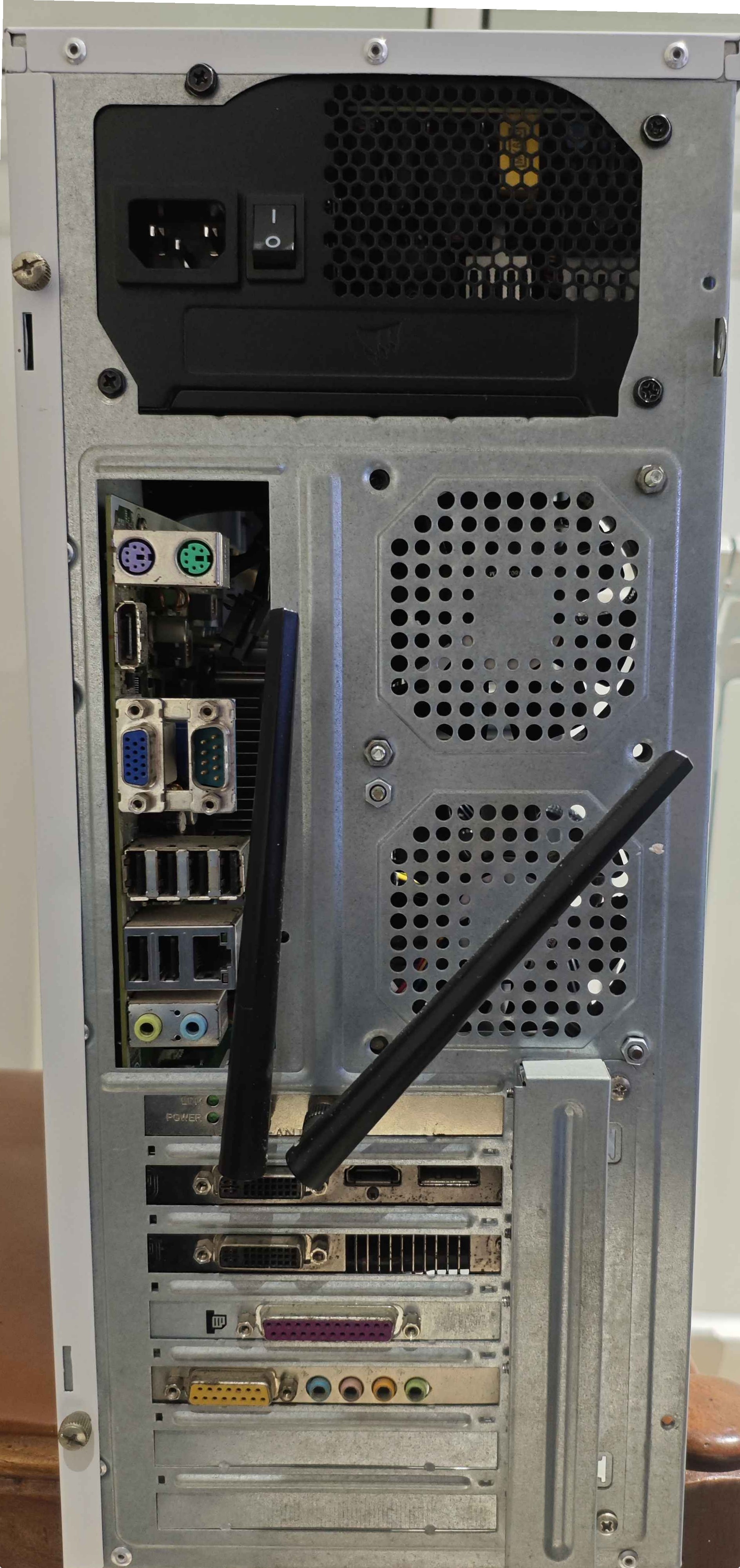
Coincidently, I am writing this article during the RAM shortage crisis, and as a result, GPUs and SSDs inflation. This is precisely the moment to reflect on the status quo of consumer hardware and software. Software quality had degraded and the development culture deteriorated beyond repair, and now hardware manufacturers disregard the average consumer to solicit a far fetched fantasy, the end game of capitalism: substitute expertise with cheap adequate AI models. Computers and phones got so expensive that several friends are unable to upgrade their daily driver, or incapable to afford more storage (me included). We live in a third world country, with ruthless importation fees, we already pay nearly three times more than ordinary rates, so this price hike is detrimental to a large degree. Repurposing old hardware had never been more important, together with maintenance skill. This might be hyperbolic, but the concept of personal computers may cease to exist if this situation continues in this direction. Or we reach an alternative conclusion where software developer acknowledge hardware constraints and realize that they are not uniform.
P.S. There are hints in the images of stuff I wanted to add to the computer, but I lacked the parts. Also I have future plans to port libreboot.